


How Do I Cancel Experian Subscription? A Calm UK Guide
Start with one check: who bills you. Then cancel in the right place (Experian, Apple, or Google Play) and keep proof so you don’t get charged again.

Quick Answer
How do I cancel an Experian subscription?
You cancel an Experian subscription in the same place you started it. That means:
- Subscribed on Experian’s website/app and pay Experian directly: cancel in your Experian account.
- Subscribed through Apple: cancel in Apple ID → Subscriptions.
- Subscribed through Google Play: cancel in Google Play → Subscriptions.
After cancelling, keep proof (an email or a screenshot showing the end date) and check your statement next month to be sure the renewal stopped.
Why this is in Credit Scores
People often pay for a credit monitoring plan when they’re about to apply for something big: a mortgage, a car, or a new card. That’s sensible. The only trap is forgetting the renewal when life gets busy.
Cancelling a monitoring subscription usually doesn’t change your UK credit score. But avoiding an accidental renewal can help you keep cash flow steady, which makes it easier to stay on top of payments (and those do matter).
If you’re diagnosing a recent drop, start here: Why Has My Credit Score Gone Down?

Two-Minute Check
Before you cancel: confirm who bills you
This is the step that prevents the classic problem: you “cancel” in one place, but the billing is actually happening somewhere else.
- Search your email for receipts that mention Apple, Google Play, or Experian.
- Check your bank statement. App store charges often show as Apple/Google rather than Experian.
- Open your subscriptions list:
- Apple: follow Apple’s steps for viewing and cancelling subscriptions: Apple Support (UK).
- Google Play: follow Google’s steps for cancelling subscriptions: Google Play Help.
If you can see an active subscription in Apple/Google, cancel it there. Experian can’t usually stop an app-store subscription for you.
Option 1: Cancel if you pay Experian directly
If Experian bills you directly (not Apple/Google), you normally cancel inside your Experian account. Because menus can change, use this approach:
- Sign in to your Experian account on the web or in the app.
- Look for Membership, Subscription, Plan, or Billing.
- Choose Cancel (or Manage then Cancel).
- Save the confirmation (screenshot + email if available).
If you can’t find the cancellation path, go via Experian’s UK help/contact pages and ask them to confirm (1) the plan name, (2) who bills you, and (3) the effective end date: Experian Help.

Option 2: Cancel if you subscribed via Apple
If your receipt shows Apple billing, cancel through Apple Subscriptions:
- Open Settings on your iPhone.
- Tap your name (Apple ID) → Subscriptions.
- Select the Experian subscription (it may appear as Experian or the plan name).
- Tap Cancel Subscription and confirm.
Apple’s official guide is the most reliable reference when buttons move around: Cancel a subscription on iPhone.

Option 3: Cancel if you subscribed via Google Play
For Google-billed subscriptions, cancel in the Play Store (or on the web):
- Android: Google Play → profile icon → Payments & subscriptions → Subscriptions → Experian → Cancel.
- Web: play.google.com/subscriptions → choose the subscription → cancel.
Google notes renewals can be processed ahead of the end of your period, so it’s smart to cancel at least a day before renewal: Google Play cancellation help.

What happens after you cancel (and what to screenshot)
Most subscriptions follow a predictable pattern: cancelling stops the next renewal, and you keep access until the end of the current paid period. But the exact wording varies by provider and plan.
To make this stress-free, capture these three things:
- End date (or “expires on” date)
- Billing route (Experian vs Apple vs Google)
- Confirmation (email or on-screen message)
If you’re keeping your credit profile tidy ahead of an application, it’s also worth checking your file update timing: How Often Does Credit Score Update?

Troubleshooting: if you cancelled but you’re still being charged
- You cancelled the wrong route: double-check Apple/Google subscriptions even if you cancelled in the Experian app.
- You have more than one account: old email addresses can mean a second subscription.
- You hit “delete app” instead of “cancel subscription”: uninstalling doesn’t stop billing.
- Renewal processed early: app stores can process renewals ahead of the renewal moment.
- Get help with proof: contact the biller with screenshots and receipt details.
For general UK consumer rights and dispute steps, Citizens Advice is a good starting point: Citizens Advice consumer help.

Does cancelling Experian affect your credit score?
For most people: no. A paid monitoring plan is not a credit account. Your score is driven by what’s reported on your credit file (payment history, utilisation, searches, etc.).
If you’re trying to keep your score stable, focus on the basics that matter most:
- Stay on top of payments (even minimums)
- Keep credit utilisation reasonable
- Avoid unnecessary new applications right before you apply for a mortgage or car finance
Related reads: Does Overdraft Affect Credit Score? and Does Klarna Affect Credit Score?
Use 118M8 to make renewals feel smaller
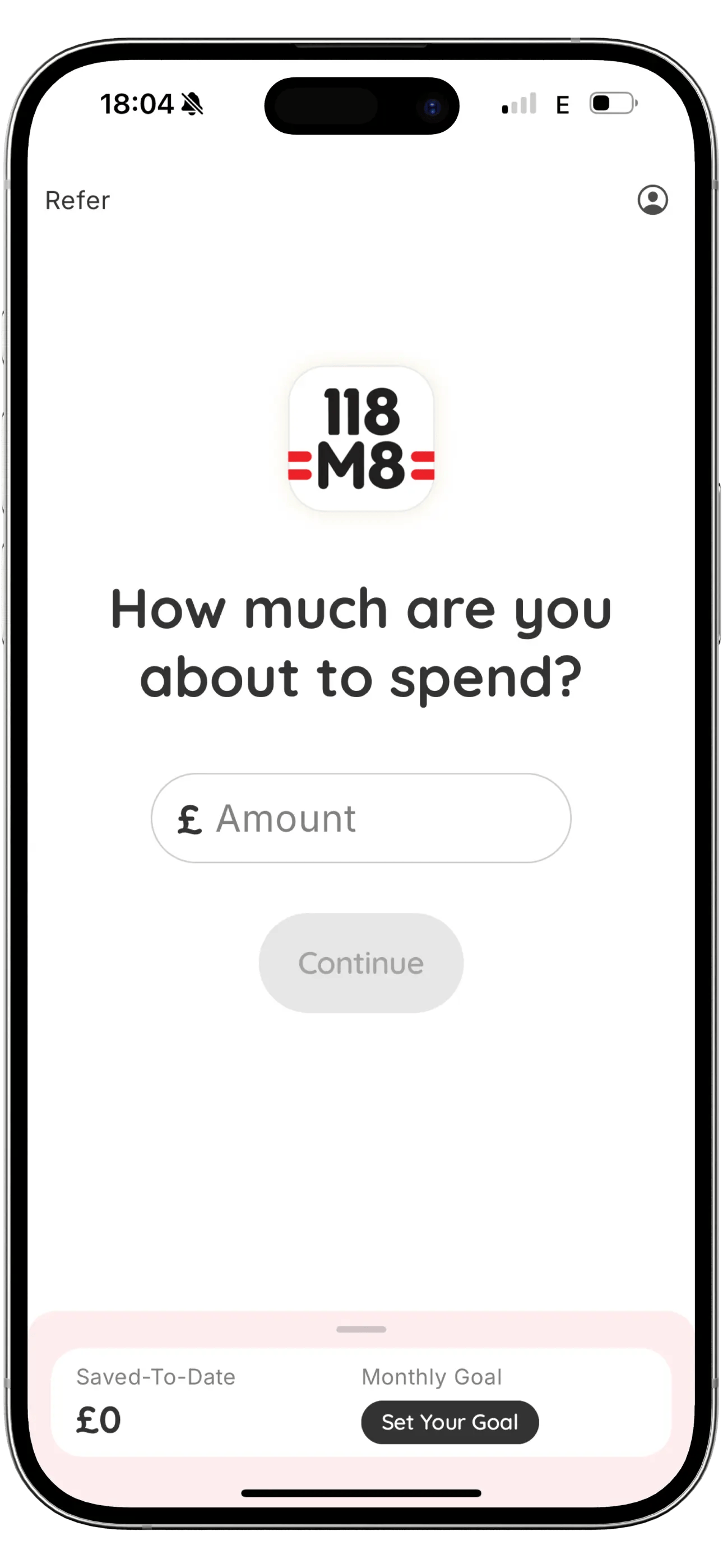
Subscriptions are easiest to start when you’re stressed and want certainty. 118M8 helps you slow the moment down by translating the cost into hours worked and giving you a simple 24-hour “Sleep on it” pause.
- See any price in hours
- Pause a decision for 24 hours
- Track what you save when you skip
More in this category: Credit Scores · Related: Subscriptions
Frequently Asked Questions
How do I cancel my Experian subscription?
First confirm who bills you: Experian directly, Apple, or Google Play. Cancel in the same place you subscribed, then keep the confirmation email or the expiry date as proof.
Why can’t I cancel my Experian subscription in the Experian app?
If you subscribed through Apple or Google Play, Experian usually can’t cancel it for you. You need to cancel in your Apple ID subscriptions or Google Play subscriptions instead.
Will cancelling Experian affect my credit score?
Cancelling a paid monitoring subscription doesn’t usually affect your UK credit score. Your score changes based on what’s on your credit file, such as payment history and balances, not whether you pay for monitoring.
Do I lose access immediately when I cancel?
Often you keep access until the end of the current billing period, but this depends on the plan and where you subscribed. Check the confirmation screen for the end date.
Can I get a refund after cancelling Experian?
Refunds depend on the billing route and timing. If Apple or Google billed you, refunds are handled under their policies. If Experian billed you directly, check the plan terms and contact support if you were charged unexpectedly.
Stock images by PiggyBank, Campaign Creators, SumUp, Sara Kurfeß, and Petr Macháček via Unsplash.